Your contact,
as a QR code.
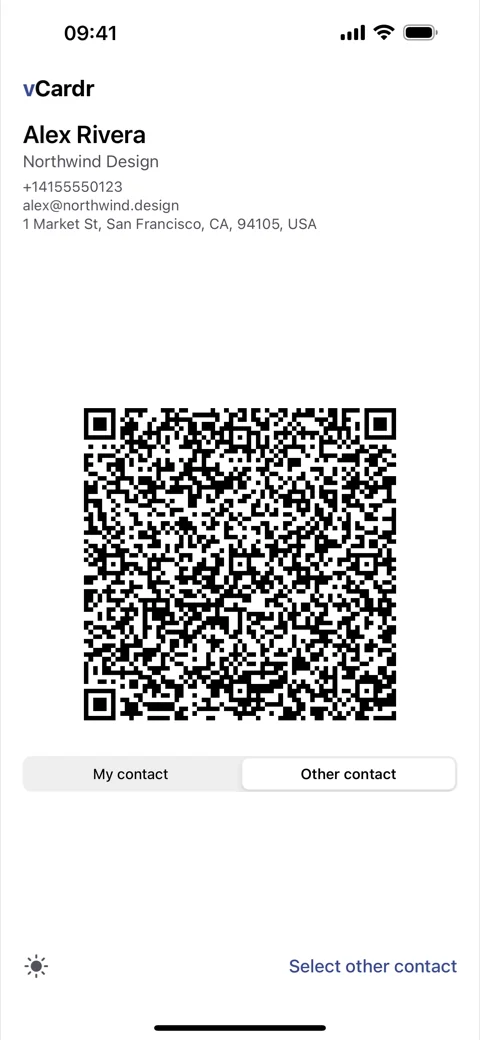
Show any contact as a full-screen QR code another phone can scan in seconds. Personal Mode needs no account or cloud; temporary Event profiles are explicitly opt-in.
iPhone · iOS 17 and later · Android 8.0+ · APK 1.0 MB · arm64 and older 32-bit devices
Made for sharing, built for privacy
Personal cards stay on your device. Optional Event profiles share only the details and time period each participant approves.
iPhone ⇄ Android
A QR code doesn't care who made the other phone. iPhone to Android, Android to iPhone — and yes, iPhone to iPhone, even on the days AirDrop refuses to.
Any contact
Show your own card or anyone from your address book as a standard vCard QR code.
Private by default
Personal Mode works offline. Event Mode publishes only the fields you review and explicitly approve for that event.
Scan to save
The other phone points its camera and saves the card straight to Contacts. That's it.
Choose the fields
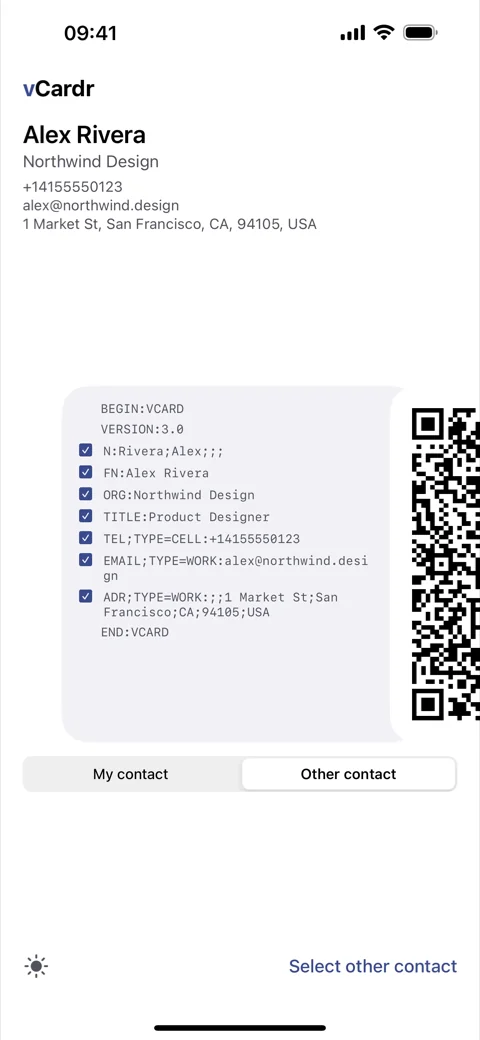
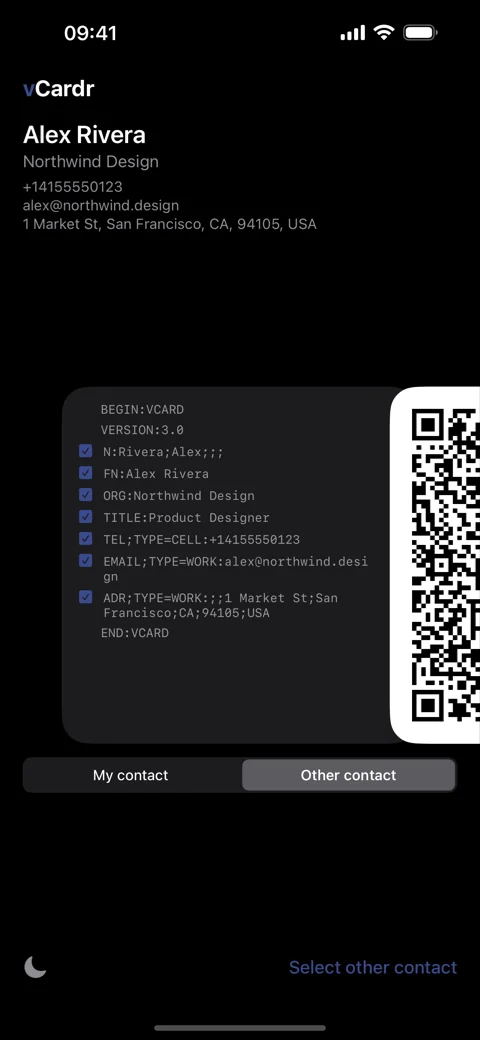
Toggle exactly which details go into the code — share a phone number, not your home address.
Light & dark
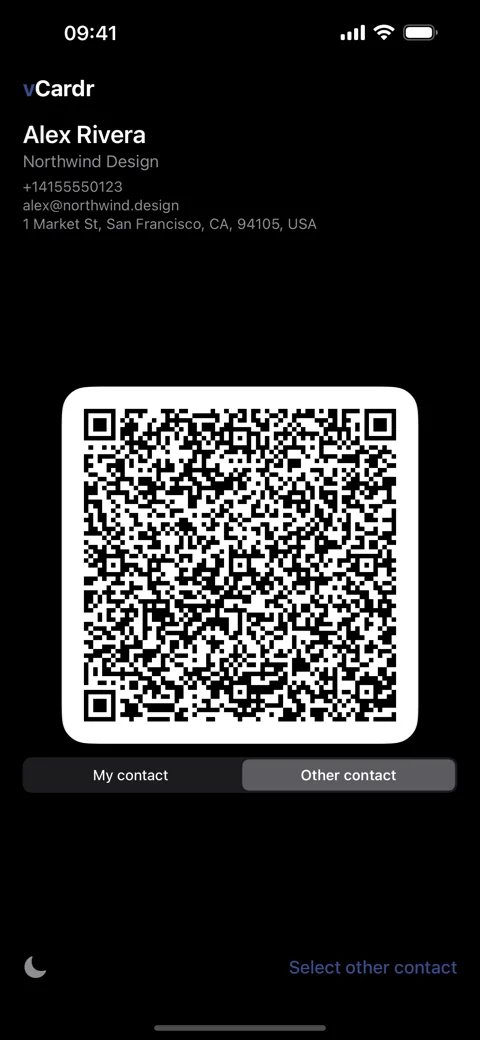
Clean, high-contrast codes that scan fast in either appearance.
English & German
Fully localized, following your device language automatically.